
Why Founders Should Stop Being the IT Department
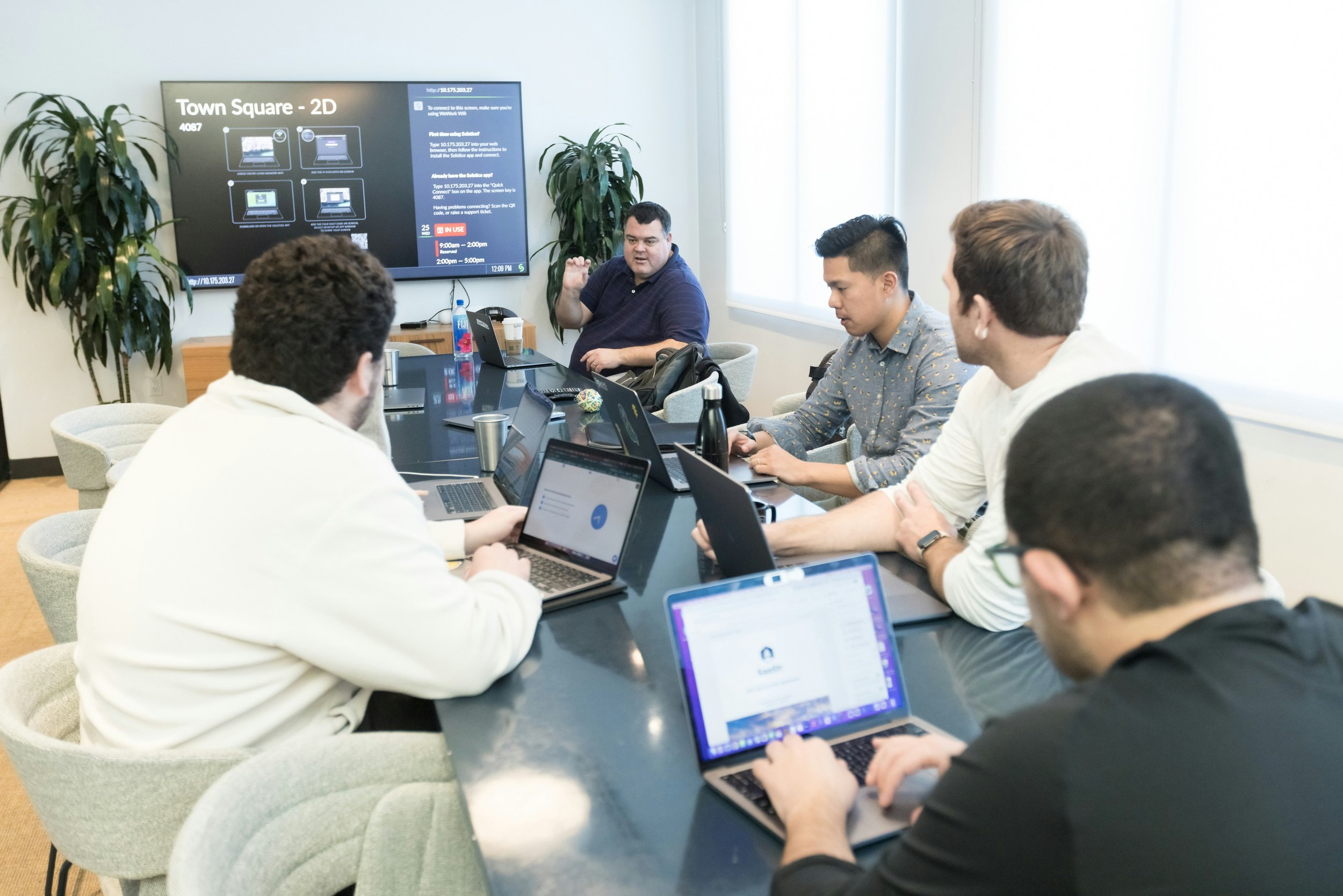
Growing startup team collaborating in a modern office as they scale their business with structured IT support, employee onboarding, and Google Workspace management.
When you're building a startup, wearing multiple hats is part of the job.
One day you're meeting with investors, the next you're interviewing candidates, answering customer questions and trying to close new business. In the early stages, every founder does whatever it takes to keep the company moving forward.
Somewhere along the way, you also become the IT department.
At first, this makes perfect sense. Creating email accounts, setting up laptops, resetting passwords and helping employees connect to Wi-Fi don't seem like significant responsibilities. They're simply tasks that need to get done.
But as your company grows, those "quick IT tasks" begin taking more time than you realize.
Eventually, IT stops being something you do occasionally and becomes another full time responsibility competing for your attention.
The question isn't whether founders should understand technology, they absolutely should.
The question is whether founders should continue managing day to day IT operations as their company grows.
Prefer to watch? Here's the breakdown:
Every Five Minute IT Task Adds Up
Most founders don't lose entire days to technology. They lose five minutes here and ten minutes there.
An employee can't access their email.
Someone forgot their password.
A new hire needs a Google Workspace account.
Slack isn't syncing correctly.
A printer won't connect.
A laptop needs software installed.
Individually, none of these tasks seem particularly difficult. Collectively, they become constant interruptions throughout the day.
The real cost isn't the time spent solving the problem.
It's the time spent switching away from work that only the founder can do building the product, talking with customers, raising capital or growing the business. Every interruption carries an opportunity cost.
Your Startup Has Outgrown Informal IT
When your startup consists of five employees, informal processes usually work.
Everyone knows each other.
Access requests happen naturally.
Files are easy to find.
Permissions rarely become an issue.
Growth changes that.
As new employees join the company, contractors come and go, and additional software is introduced.
Technology becomes increasingly difficult to manage without defined processes.
You may begin noticing questions like:
Who owns this Shared Drive?
Does this former employee still have access?
Why does this person have administrator privileges?
Which applications should every new employee receive?
Where is our onboarding documentation?
These aren't technology problems.
They're operational problems.
Technology simply exposes them.
Good IT Is Built on Consistent Processes
One of the biggest differences between a startup with organized IT and one that's constantly reacting to problems isn't the technology.
It's consistency.
Instead of making decisions every time someone joins the company, successful organizations create repeatable processes.
Every new employee should receive:
A Google Workspace account
The appropriate Google Groups
Shared Drive access
Required SaaS applications
Multi-Factor Authentication (MFA)
Company device configuration
Password manager access
Security awareness guidance
When every employee follows the same onboarding process, fewer mistakes occur, productivity improves and the company spends less time fixing preventable issues. The same principle applies when employees leave.
A standardized offboarding process helps ensure accounts are disabled, devices are recovered, permissions are removed and sensitive company information remains protected.
Without these processes, technology gradually becomes more difficult to manage as your startup grows.
Founders Should Focus on Building the Business
One of the most valuable resources inside any startup isn't technology. It's the founder's time.
When your company had five employees, spending twenty minutes setting up a laptop probably made financial sense.
When your company has twenty five employees, that same twenty minutes could have been spent meeting a customer, hiring your next employee, improving your product or developing your growth strategy. Delegating IT isn't about avoiding work.
It's about recognizing that your responsibilities evolve as the company evolves.
The founder's job becomes creating systems, not personally performing every task.
IT is no different.
Good IT Helps Your Startup Scale
Technology should support growth, not slow it down.
When IT processes are documented and standardized, onboarding becomes faster, employee access is easier to manage, security improves and founders spend less time solving routine technology problems. That doesn't mean every startup needs a full time IT department.
Many growing companies simply need repeatable processes, better Google Workspace administration and someone who can help manage technology as the business scales.
The earlier those foundations are established, the easier future growth becomes.
Frequently Asked Questions(FAQ)
When should a founder stop managing IT themselves?
There isn't a specific employee count that applies to every business.
However, many startups begin feeling the strain once they reach approximately 10–25 employees, when onboarding, user management, devices and software administration become increasingly time consuming.
Is hiring an MSP better than hiring an IT employee?
It depends on your stage of growth.
Many early stage startups benefit from partnering with a Managed Service Provider (MSP) before hiring full time internal IT.
This provides access to a broader range of technical expertise without the cost of building an internal IT team.
What's the biggest IT mistake startup founders make?
One of the most common mistakes is waiting until technology becomes a problem before creating processes.
Consistent onboarding, offboarding, user management and security policies are much easier to establish before rapid growth occurs.
Does every startup need formal IT processes?
Even small startups benefit from documenting basic procedures for onboarding, offboarding, password management and user access.
These processes become increasingly valuable as additional employees join the company.
Download the Startup IT Checklist
If your startup is growing and you'd like a practical framework for organizing your IT operations, download our free Startup IT Checklist.
It includes guidance for:
Employee onboarding
Employee offboarding
Google Workspace administration
User access management
SaaS account management
Security foundations
Device management
Whether you're hiring your tenth employee or preparing for your next stage of growth, the checklist is designed to help your technology scale alongside your business.
👉 [Download the Startup IT Checklist]
👉 [Book Your 15-Minute Startup IT Assessment]
What's Coming Next in the Startup IT Playbook
Next up: The Employee Onboarding Checklist Every Startup Needs, exactly what a new hire should have ready and waiting before Day One, from laptop to login to Slack access.
Related reading:
- 3 Signs Your Google Workspace Is Becoming Difficult to Manage
- Google Workspace Best Practices for Startups (coming soon)
- What Happens When You Forget to Offboard an Employee (coming soon)
