
Startup Password Management Best Practices
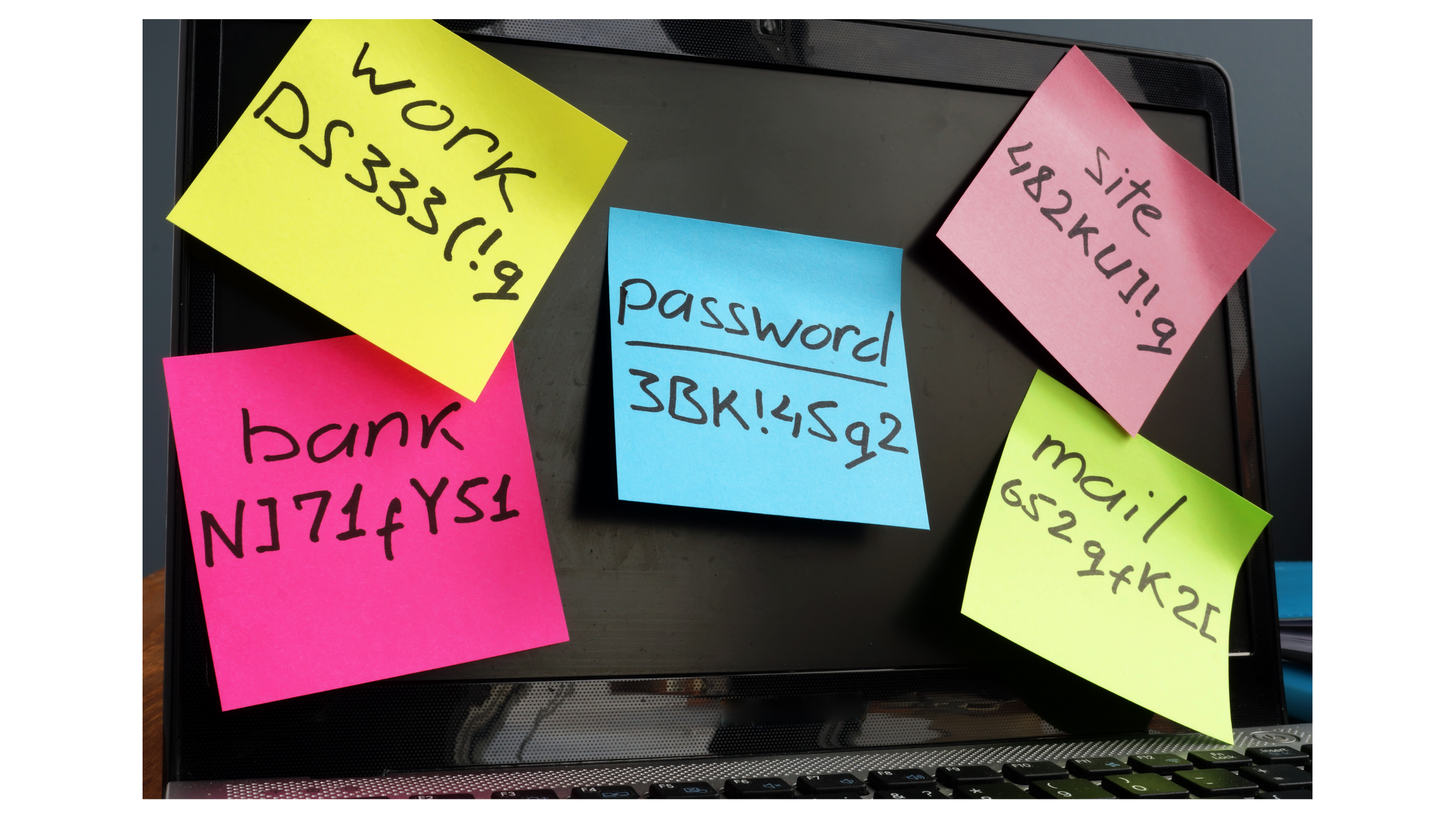
Passwords are one of the oldest parts of modern IT and somehow they remain one of the easiest places for a growing company to get security wrong.
The problem is rarely that employees don't understand passwords should be secure, most people already know they shouldn't use "password123." The harder problem is scale. An employee may have credentials for Google Workspace, Slack, Salesforce, social media accounts, AI tools, vendor portals and a dozen other applications and asking that person to create and remember a completely different strong password for every account eventually collides with human behavior.
People reuse passwords, save them in browsers, put them in spreadsheets, send them through Slack and make small variations of the same password because remembering twenty five completely unrelated passwords is genuinely difficult.
For a startup, good password management is therefore less about teaching employees how to invent clever passwords and more about building an authentication system that doesn't depend on employees remembering them in the first place.
Prefer to watch? Here's the breakdown:
Password Reuse Turns One Compromise Into Many
The biggest problem with password reuse isn't necessarily that the password itself is weak. It's that the same credential can unlock several different systems.
Imagine an employee uses the same password for a project management platform and their company email account. The project management provider suffers a breach and that credential eventually ends up in an attacker controlled database. The attacker doesn't need to guess the Google Workspace password they already have something worth trying.
This is the basis of credential stuffing: attackers take usernames and passwords exposed somewhere else and automatically test them against other services.
Research published by Verizon alongside its 2025 Data Breach Investigations Report found that compromised credentials were an initial access vector in 22% of the breaches reviewed that year. Verizon also examined credentials recovered from devices infected with infostealer malware and found that, in the median case, only 49% of a user's saved passwords were distinct, meaning substantial password reuse existed within that particular compromised-user dataset.
The automation behind these attacks is also worth understanding. In authentication logs Verizon analyzed, credential stuffing traffic represented a median of 19% of daily authentication attempts, including approximately 12% among organizations classified as small businesses.
The 2026 DBIR shows the threat landscape continuing to evolve: exploitation of software vulnerabilities reached 31% of breaches and surpassed stolen credentials as the leading breach entry point for the first time. But Verizon still lists stolen credentials, phishing and the broader human element among the recurring causes businesses need to defend against. Passwords, in other words are no longer the only door attackers are trying they're still a very important one.
Stop Expecting Employees to Remember Everything
For years, the traditional advice was simple: create a complicated password with uppercase and lowercase letters, a number, and a symbol. Then change it every 90 days and repeat that process for every application you use.
Modern guidance has moved away from much of that thinking. NIST's current Digital Identity Guidelines emphasize length over arbitrary complexity. For passwords being used as a single authentication factor, NIST specifies a minimum of 15 characters and recommends allowing long passphrases. The guidance also says organizations shouldn't impose composition rules requiring mixtures of uppercase letters, lowercase letters, numbers and symbols. They also shouldn't force periodic password changes unless there's evidence the credential has been compromised.
That last point surprises a lot of people, since forcing employees to create a new password every few months can sound more secure but predictable human behavior often works against the policy. An employee who used `Startup2026!` may simply change it to `Startup2027!` the next time around. The password technically changed. The underlying security problem didn't.
NIST instead recommends screening new passwords against lists of common, expected, and previously compromised passwords. For startups developing password policies, the goal should be security that employees can realistically follow, not complexity for its own sake.
Use a Business Password Manager
The most practical answer to password sprawl is a password manager. Instead of asking someone to remember twenty five passwords, the password manager generates and securely stores unique credentials for each service, which changes the employee's responsibility entirely. They no longer need to invent something like `MarketingTeam2026!`. They can use a randomly generated password that looks nothing like anything they could realistically memorize, because they don't need to memorize it.
NIST explicitly recommends password managers for accounts that still require passwords and notes that they make it easier to generate long, unique credentials. NIST's current standards also direct authentication systems to allow password managers, autofill and paste functionality.
For a business, though, it's worth taking this one step further and using a company managed password manager, not simply whatever individual employees happen to prefer. That gives you a central place to manage credentials that belong to the business for example, a shared social media account, vendor portal, domain registrar, or legacy system that doesn't support individual user accounts. Instead of sending that password through Slack or storing it in a document, authorized employees can receive access through a shared business vault. When someone leaves, you remove their access to the vault, and you don't have to remember every password that person may have known.
Shared Accounts Should Be the Exception
Password managers make shared credentials safer to handle. That doesn't mean every application should use one shared account, whenever possible, each employee should have their own identity.
There's an important operational reason for this. Imagine five employees all sign into the same marketing platform using `marketing@company.com`. Something gets deleted and nobody can say who did it. Customer information gets exported and nobody knows by whom. The password changes and nobody knows who changed it.
Individual accounts create accountability. They allow applications to maintain audit logs tied to actual users and they let you revoke one person's access without disrupting everyone else. Shared credentials should generally be reserved for services that genuinely require them and those credentials should live inside a controlled company vault rather than an employee's notes, browser, inbox or chat history.
This connects directly with the SaaS access management problem we discussed in the previous Startup IT Playbook article: the more applications your company adopts, the more important it becomes to separate company-owned credentials from employee-owned knowledge.
A Password Is Not Enough
Even the strongest password can be stolen. An employee can be phished. Malware can capture credentials. A password can appear in another provider's breach. This is why password management and multi-factor authentication need to be treated as part of the same system.
MFA adds another verification factor so possession of the password alone isn't enough to access the account. NIST recommends adding MFA to password protected accounts, while CISA advises organizations to require MFA wherever possible, particularly for email, file storage, remote access, privileged accounts and systems containing sensitive data.
Not every MFA method provides the same protection, though. CISA recommends organizations work toward phishing resistant MFA, particularly FIDO/WebAuthn-based authentication security keys and passkeys can prevent an attacker from simply capturing a password and authentication code through a fake login page.
For startups using Google Workspace, administrators can enforce 2-Step Verification across users rather than simply asking employees to enable it themselves. Google also specifically recommends stronger authentication for administrators and employees handling sensitive information. That distinction matters: a security control that employees are encouraged to use is very different from a security control the company actually enforces.
Protect the Password Manager Too
Moving your credentials into a password manager does create one especially important account: the password manager itself. That account needs stronger protection than almost anything else which a long, unique master credential, MFA required, documented recovery methods and tightly limited administrative access.
NIST specifically recommends choosing a password manager that supports MFA, because compromise of the manager account could expose many stored credentials at once.
Startups should also think about recovery before an emergency occurs. What happens if your only password manager administrator loses their phone? What if the founder who originally configured the account leaves? Who can recover the company's vault, who controls billing and where are the emergency recovery codes stored? These questions are boring when everything works and they become extremely important the morning someone can't access the systems running the company.
Start Moving Toward Passkeys
Password managers improve the password problem. Passkeys have the potential to remove parts of it entirely.
Instead of authenticating with a reusable secret that can be typed into a fake login page, passkeys use cryptographic credentials associated with a device or account. NIST describes passkeys as easier to use and significantly more resistant to phishing than traditional passwords.
Google Workspace also supports passkeys and administrators can allow users to sign in without entering a password by authenticating through a device, security key, PIN, fingerprint or facial recognition. Google describes passkeys as phishing resistant technology.
That doesn't mean every startup needs to eliminate passwords tomorrow as many SaaS applications still require them. Instead, think of passkeys as part of the direction your authentication strategy should be moving. Where strong passwordless authentication is available and operationally practical, consider using it. Where passwords remain necessary, protect them with a password manager and MFA.
Password Management Should Be Part of Onboarding
One of the easiest times to establish good password habits is an employee's first day. Don't let employees invent their own system and try to correct it six months later.
As part of onboarding:
* Enroll the employee in the company's password manager.
* Require MFA on their primary identity account.
* Provide access to shared credentials only where necessary.
* Explain that company passwords shouldn't be sent through email or chat.
* Use individual accounts whenever the application supports them.
* Introduce passkeys or security keys where your environment supports them.
* Make clear how employees should request access instead of borrowing another person's credentials.
This makes secure behavior the default rather than something IT has to enforce retroactively.
Do Not Forget Offboarding
Password management also changes what good offboarding looks like. Removing someone's Google Workspace account is important, but it doesn't necessarily remove every credential they ever used.
If an employee had access to a shared password vault, remove their vault access immediately. If they knew credentials that were shared outside the password manager, rotate those credentials. If they administered the password manager, transfer administrative responsibility. If they possessed physical security keys belonging to the company, recover or revoke them. And if a sensitive password is believed to have been exposed, change it because of that evidence, not simply because the calendar says 90 days have passed.
That approach aligns more closely with NIST's current recommendation to change passwords when compromise is suspected or confirmed, rather than forcing arbitrary periodic resets.
Build a Password System, Not a Password Rule
A startup password policy shouldn't be a PDF that says "passwords must contain eight characters, one uppercase letter, one lowercase letter, one number, and one symbol." That solves very little by itself.
A better password management strategy answers broader questions: where business credentials are stored, whether every employee has unique passwords, whether MFA is enforced, which accounts are shared and who can access them, what happens when someone leaves, how the company recovers critical accounts and where passkeys could reasonably replace passwords entirely.
Those are operational questions, not just password questions and that's the larger theme running through this Startup IT Playbook. Security becomes easier to manage when it's built into normal operations.
Take the Next Step
You don't need an enterprise identity platform to improve password security at a 10, 20, or 30 person startup. Start with the fundamentals: unique credentials, a company managed password manager, MFA enforced where it matters, no passwords shared through chat or email, stronger protection for administrator accounts and a documented process for recovering access when something goes wrong.
One of the most overlooked parts of password management is account recovery. If your only password manager administrator loses their phone, a founder leaves the company or a security key disappears then your team should already know who can restore access, where recovery methods are stored and who is authorized to use them.
That's why we've created a free Startup Account Recovery & Emergency Access Plan. A fill in worksheet designed to help you document your critical administrators, backup access, recovery methods, emergency contacts, security keys and account recovery responsibilities before an emergency happens.
👉 [Download the Free Startup Account Recovery & Emergency Access Plan]
Want to evaluate the rest of your startup's IT environment as well?
👉 [Take the 100 Point Startup IT Readiness Assessment]
👉 [Book a Free 15-Minute Startup IT Assessment]
Related Reading
* The Hidden Cost of Poor SaaS Access Management
* Google Workspace Best Practices for Startups
